Present ideas with stronger mood
Generate multiple lighting moods and viewpoints from the same space so clients can understand the design intent faster.
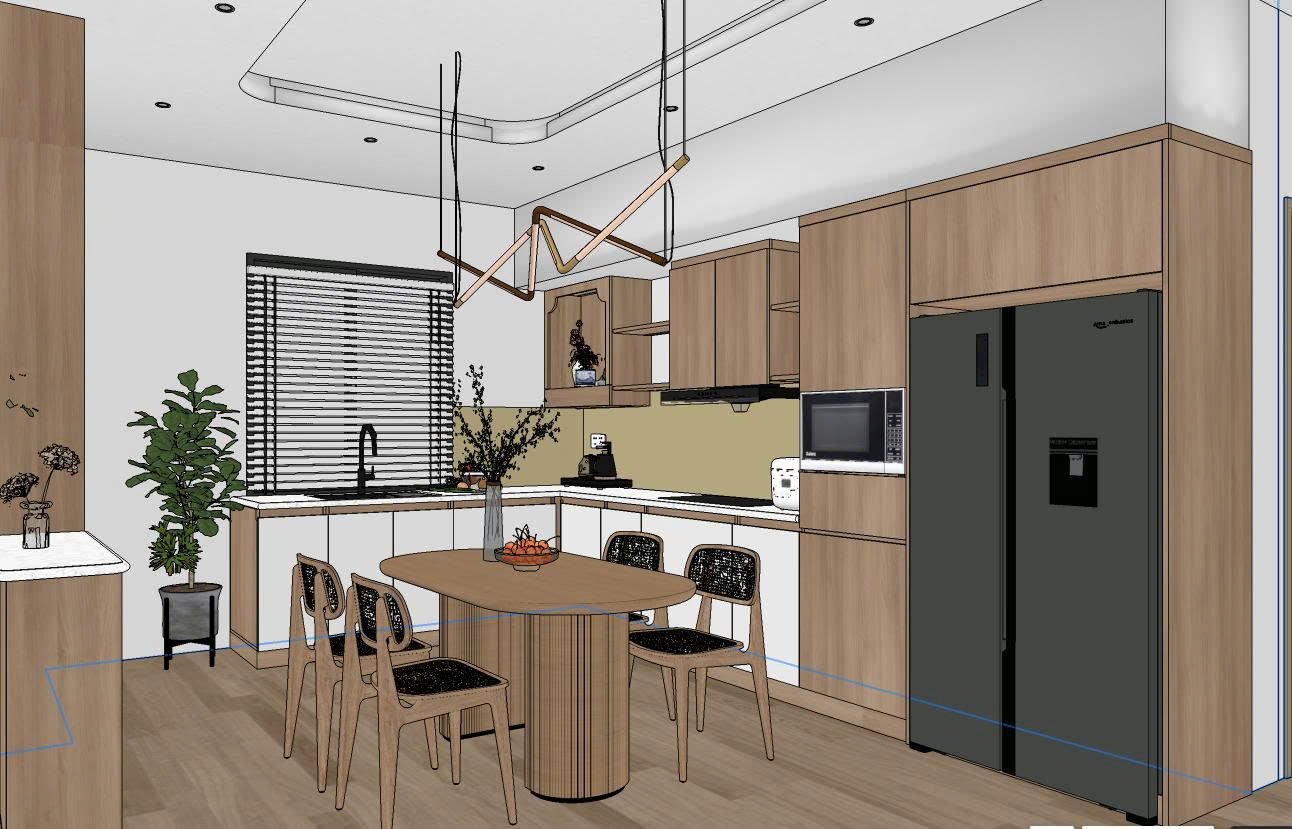
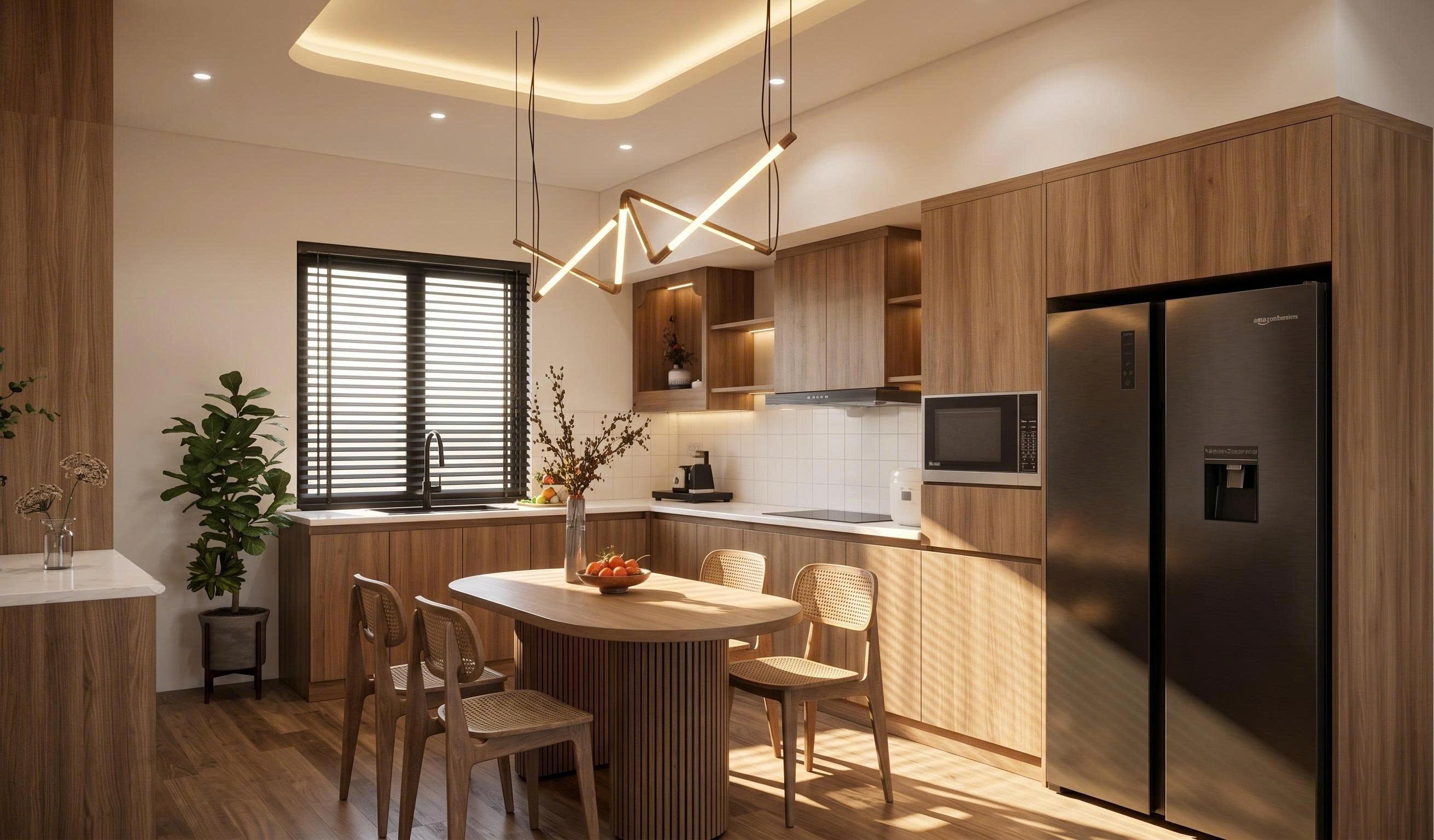
AI agents for interior visualization
From 2D floor plans, cabinet elevations, hand sketches, rough 3D views and product photos, Visual Agents helps design and sales teams present options faster, with clearer mood and stronger visual impact.
Built for real project communication
Generate multiple lighting moods and viewpoints from the same space so clients can understand the design intent faster.
Test wood, stone, color, lighting and style options before finalizing the direction with clients or production teams.
Create clear visuals for furniture, materials and room concepts without requiring advanced design or rendering skills.
Feature-by-feature demos
Now viewing
Create additional attractive viewpoints, emotional lighting and a presentation image set from an existing space.
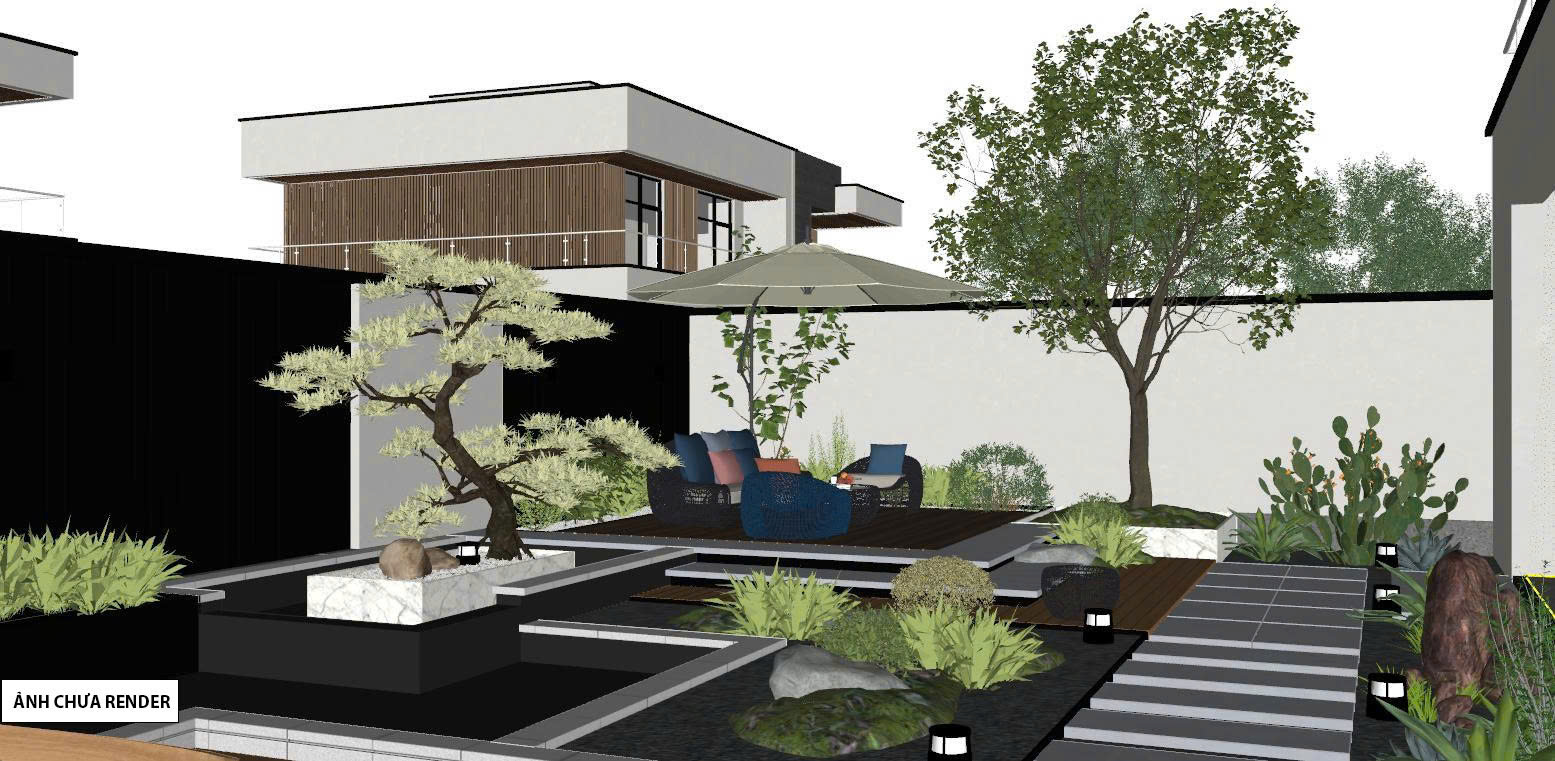
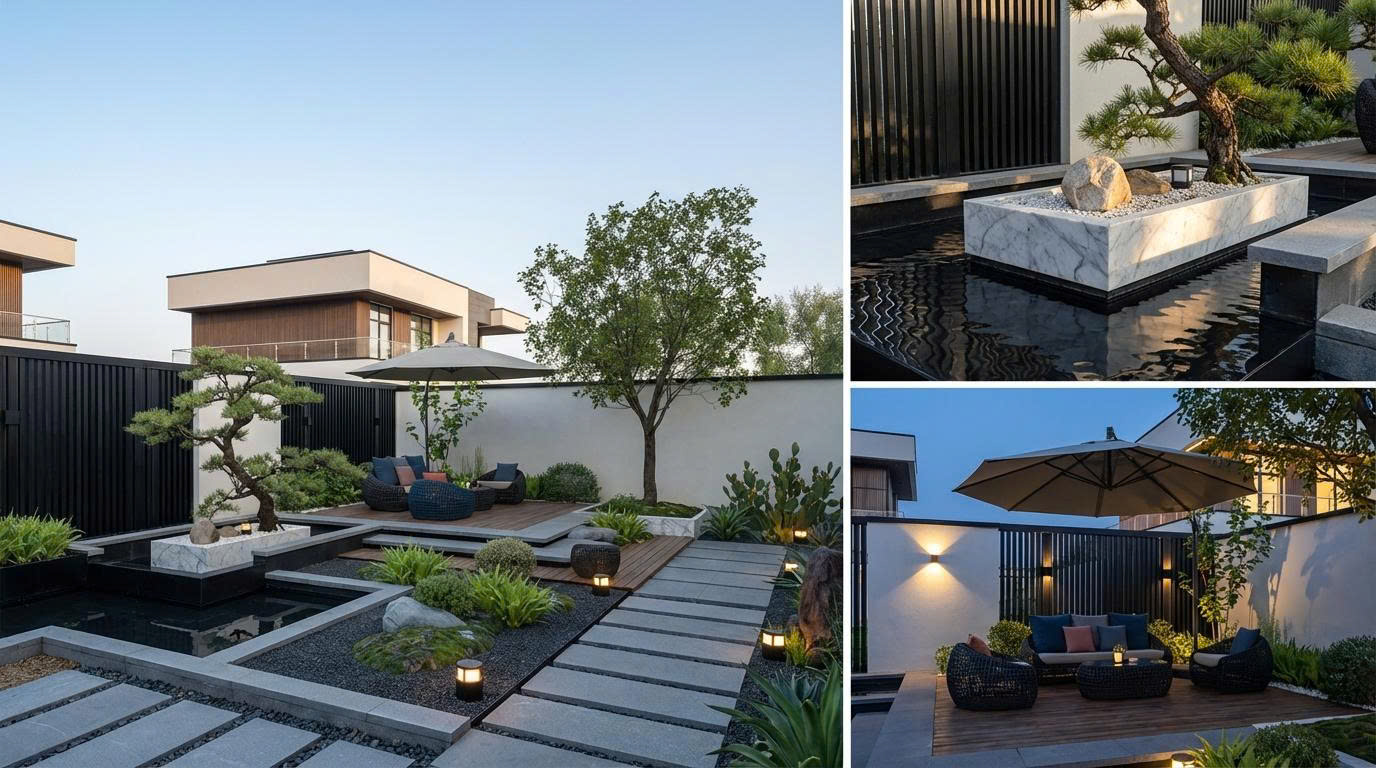
How it works
Create concepts, change materials, generate images from drawings, or make existing visuals more expressive.
Use drawings, rough perspectives, existing renders, product images or real project photos as the starting point.
Use the outputs for consultation, client proposals, sales posts or internal option comparison.
Use with confidence
Use Visual Agents for ideation, material consultation, presentation image editing and sales visuals.
JEGA can guide your team through use cases, inputs and quality expectations through LinkedIn.
This website focuses on product education. Contact JEGA to discuss access, onboarding and next steps.
Talk to JEGA
Message JEGA on LinkedIn to discuss onboarding, supported workflows and the best way to evaluate Visual Agents for your projects.
Contact JEGA on LinkedInFrequently asked questions
Yes. The workflow is built around choosing a goal, uploading an image and entering a short description. Sales teams can use it to create basic consultation visuals.
They are best for ideation, material consultation, proposal presentation, marketing and quick client communication. For construction, technical drawings and real material samples still need to be checked.
Yes. Some tools can work with photos or existing renders to adjust lighting, color, materials and image mood.